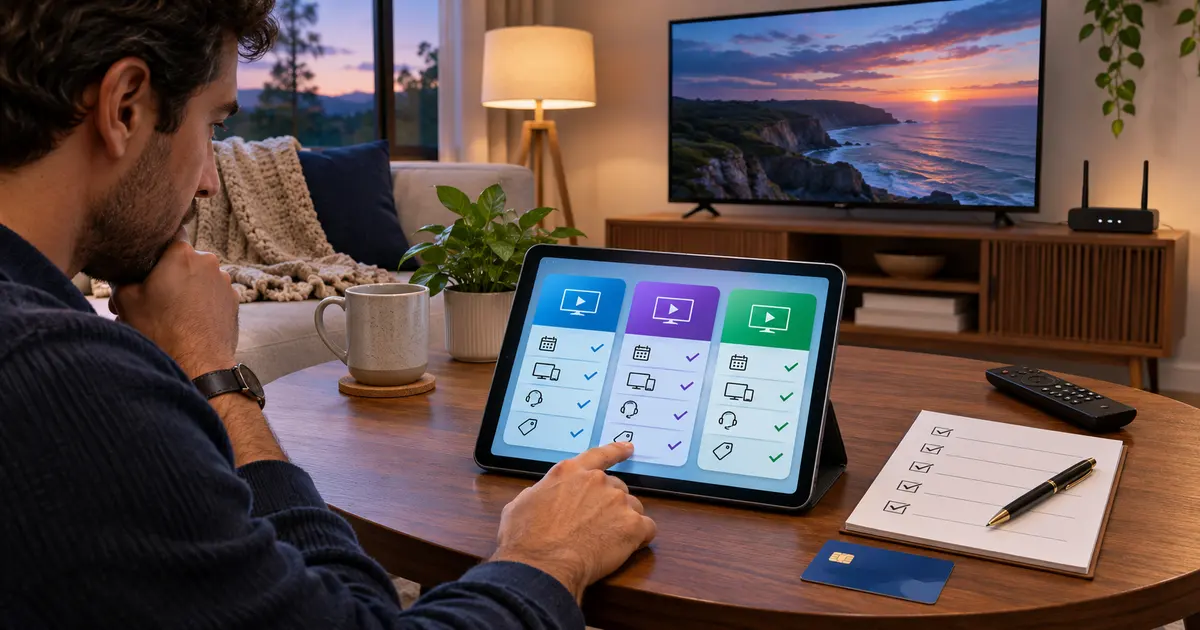
The best IPTV subscription USA shoppers can choose in 2026 is not the one that makes the biggest channel-count promise. It is one with clear terms, compatible devices, responsive support, dependable playback for the connection you have, and authorization to offer the content you want. Start by checking those basics before comparing a monthly price or committing to a longer plan.
This guide is published by Zorba IPTV. It is educational, not an independent ranking or a claim that every service offers the same content. Readers considering Zorba should review the current pricing page, request a trial if available, and confirm their player and device before ordering.
What Makes a Good IPTV Subscription in 2026?
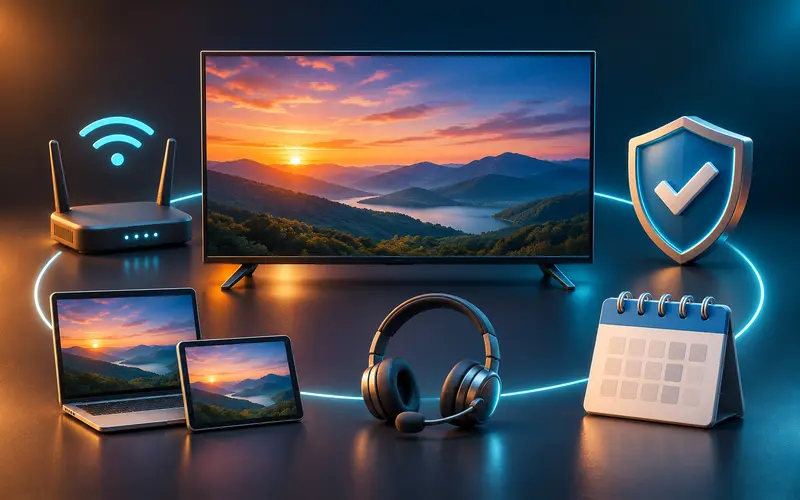
A good subscription is understandable before you pay. It states what you are buying, how billing and renewal work, which devices and login formats it supports, and where to obtain support. Vague promises such as “every channel” or “never buffers” are not a substitute for those details, because no internet-delivered service can control every home network or every rightsholder’s catalog.
Streaming consistency is the first practical test. Ask which resolutions are genuinely available, whether an electronic program guide (EPG) is included or supported, and whether the player can resume or reload a stream predictably. A provider should not call every stream 4K when the source, device, player, and connection may each limit the result.
Device support comes next. A service can be suitable on an Android TV player but unusable on an LG or Samsung television if its preferred player is absent from that TV’s store. Check the exact television, streaming stick, operating system, and app version you plan to use; “Smart TV compatible” is too broad to settle the question.
Questions worth asking before you buy
- What content is authorized for my location, and what may change?
- Which player apps and login methods are supported on my exact device?
- What does the displayed price include, and when does it renew?
- How can I reach support if activation or setup goes wrong?
- What are the cancellation, refund, and trial terms in writing?
How to Compare IPTV Subscription Services in the USA
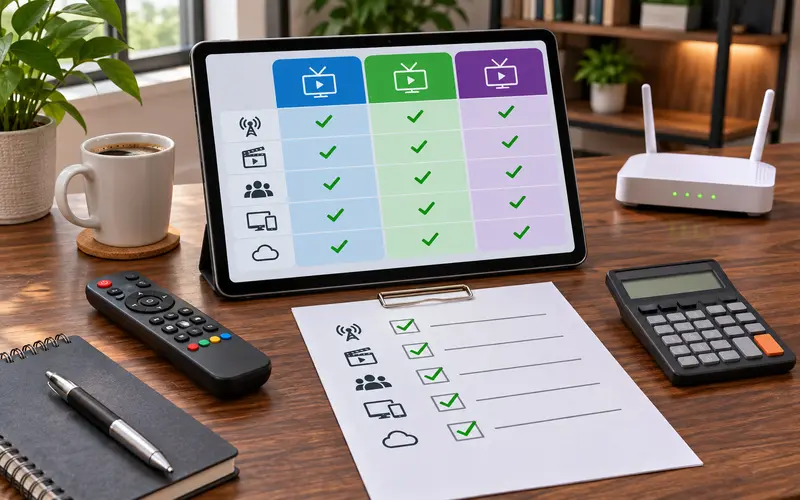
| Requirement | Evidence to record | Decision rule |
|---|---|---|
| Authorized content | Written terms plus the rights holder's official availability page for must-have programming | Reject options whose rights path cannot be verified |
| Exact device and player | Device model, operating system, app-store listing, and accepted login method | Shortlist only combinations confirmed for the intended screen |
| Household use | Allowed simultaneous streams, device limit, and the screens used at the same time | Choose a limit that covers normal use without guessing |
| Reliability check | Trial terms, intended device, normal viewing time, guide loading, and several authorized streams | Compare the same tests; do not invent an uptime score |
| Total cost | Plan price, player fee, device count, renewal date, and applicable charges | Compare the same time period and connection count |
| Support and exit terms | Published support route, response to one setup question, cancellation and refund wording | Do not pay when essential terms remain unclear |
Compare like with like. A one-month plan should be measured against another one-month plan with the same number of allowed connections, rather than against an annual headline price that requires a longer commitment. Also distinguish simultaneous connections from the number of devices on which an app can be installed; those are different limits.
A credible trial or demonstration can be useful, but only when its conditions are clear. Confirm whether approval is required, what device it covers, whether support is included, and what happens at the end. A trial is an opportunity to test the app, guide, login, and local network—not proof that every future stream will be identical.
For a worked example, imagine a two-screen household using a Fire TV in the living room and an LG TV in another room. Record the exact players available on both screens, verify that two simultaneous connections are permitted, test both during the stated trial window, and compare the full one-month cost. If one service cannot document the content rights or cancellation terms, it fails the worksheet even when its headline price or channel count is lower.
This is an educational framework, not an independently tested provider leaderboard. Zorba has not assigned scores, measured competitors' uptime, or verified every provider's licenses. For licensed programming, availability varies by territory and can change; confirm important events with the rights holder's official viewing page.
IPTV Subscription Prices: Monthly vs. Annual Plans
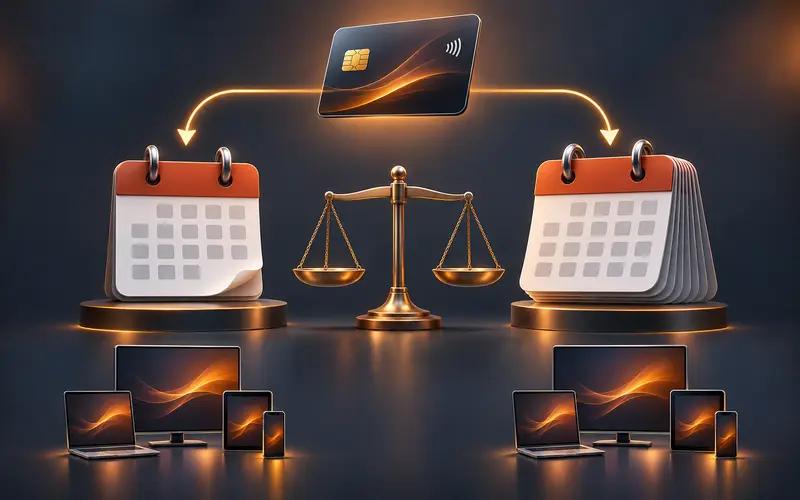
Monthly plans lower the commitment and make sense when you are still validating a device, player, or household routine. Multi-month and annual plans can simplify billing, but their value depends on the full price, the number of connections, the renewal terms, and whether the service has earned your confidence. The cheapest advertised plan is not necessarily the lowest-risk choice.
At publication, Zorba's pricing page shows one-, three-, six-, and twelve-month durations and lets visitors choose one to three devices. Prices vary with duration and device count, so this article does not freeze a promotional claim that could become inaccurate. Review the live Zorba plan and pricing details before ordering, and ask about renewal details because the site says those terms are provided before online ordering is enabled.
Make a simple total-cost note: plan price, applicable fees, number of concurrent screens, renewal date, and any player-app cost. Then compare the same time horizon across services. Paying less for a twelve-month plan is not a saving if the player is awkward on your main screen, the rights are unclear, or support cannot help with a basic activation question.
Which Devices Can You Use With IPTV?
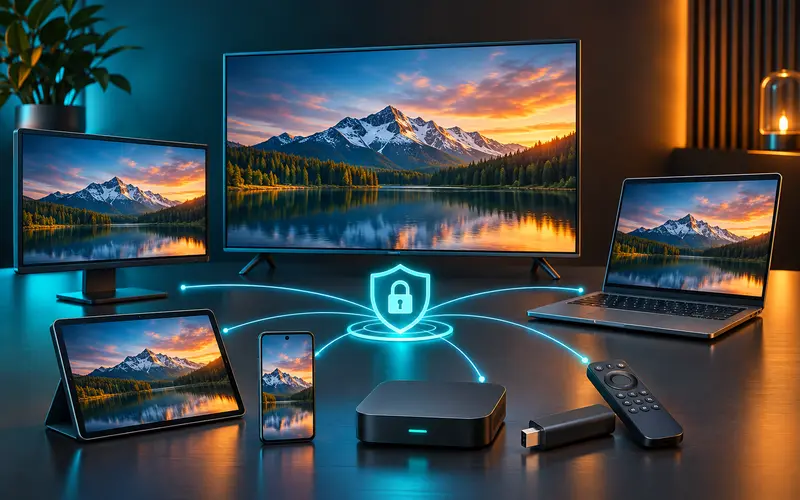
IPTV can be viewed on Amazon Fire TV devices, Android TV and Google TV, some Samsung and LG Smart TVs, Apple TV, phones, tablets, and computers when the service and player support that combination. That is a compatibility starting point, not a universal guarantee. The model, operating system, app store, and login method determine whether a particular setup will work.
Amazon's current Fire OS device table illustrates why the exact model matters: it lists the 2026 Fire TV Stick 4K 3rd Gen as a Vega OS device, while its Fire OS overview describes the older Fire TV platform as Android-based. Check Amazon's current device information before assuming an Android-oriented player or installation method will apply to a new Fire TV purchase.
For Fire TV, compare the device and subscription requirements in the Firestick IPTV decision guide, then use the Firestick installation guide when the exact model and player are confirmed.
Apple TV owners can use the Apple TV player guide. Samsung and multi-platform shoppers can compare the Smart TV app guide, while LG owners can follow the dedicated IPTV on LG Smart TV setup guide.
Before purchasing, write down the device model from its settings screen and the player you intend to use. Ask whether the service supports the player’s permitted login method, such as an M3U playlist or an Xtream Codes-style login. These are ways a player receives account information; they do not create a subscription or establish content rights by themselves.
How to Evaluate Streaming Reliability Before Buying
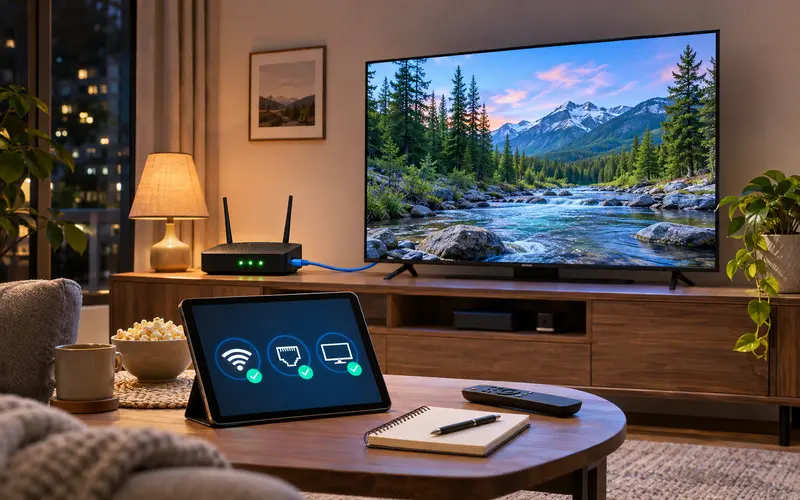
Evaluate reliability under the conditions where you will actually watch. A quick test at midday on a phone beside the router says little about a living-room television during a busy evening. If an authorized trial is available, test the intended device, a few program categories, guide loading, and support response while staying within the stated terms.
Bandwidth is only one part of playback. A stable connection, strong Wi-Fi signal, current player app, available device storage, and an appropriate resolution all matter. Wired Ethernet can reduce wireless variability when the hardware supports it; otherwise, 5 GHz Wi-Fi near the router is often more dependable than a weak signal through several walls.
Practical checks
- Test at the time your household normally watches.
- Confirm the device can load the guide and switch channels without repeated errors.
- Match video quality to the available connection instead of forcing the highest setting.
- Check whether another household download or game is consuming bandwidth.
- Contact support with one specific setup question and assess the response.
For troubleshooting steps rather than unrealistic zero-buffering promises, see the IPTV buffering and freezing guide. Zorba does not represent this article as an independent performance test of its service.
Is IPTV Legal in the United States?
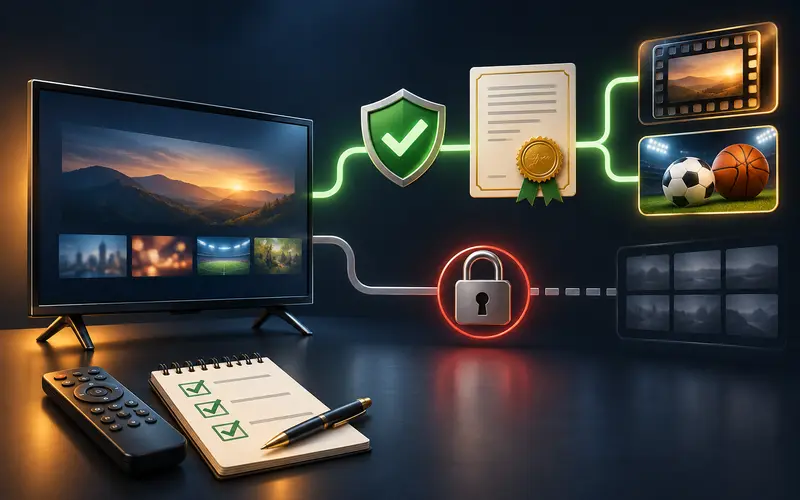
IPTV is a delivery technology: it moves video over internet protocol. The technology itself does not determine whether a particular stream is authorized. In the United States, the crucial question is whether the provider has the rights required to distribute the programming in the relevant market and whether the viewer has access through a legitimate service.
Be cautious with a service that promises premium sports, movies, or pay-TV channels without identifying a legitimate rights path, provider terms, or support identity. For high-value events, check the league, broadcaster, or streaming platform’s official viewing page. A player application is also separate from content: it may legally play a properly authorized account while not supplying channels of its own.
This guide does not claim that Zorba holds any particular programming license. Prospective customers should verify content availability, lawful access, and the applicable terms before subscribing.
Is ZorbaTV a Good Fit for Your Streaming Needs?
Zorba TV may suit readers who want to compare duration and device-count options, request a trial subject to review, and receive setup guidance for compatible player apps. The site lists plans for one to three devices and identifies live and on-demand categories, HD and 4K playback where available, compatible players, setup details after order approval, and customer-support options as plan features.
Those descriptions do not answer every buying question. Before ordering, confirm the exact device and player you will use, the content that is available and authorized for you, the active price, concurrent-use limit, renewal conditions, support availability, and trial eligibility. The terms page currently says full subscription terms will be published before online orders are enabled, so do not infer a refund or cancellation policy that is not stated.
Use the trial request page if appropriate, or reach out through the contact page with the exact model of your device and the questions the published terms do not answer.
Common Mistakes When Choosing an IPTV Subscription
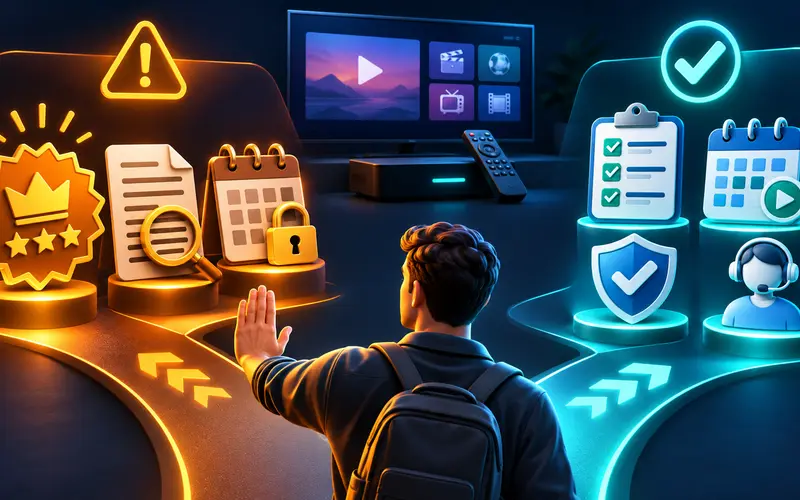
The common mistake is treating a large channel count as a quality score. It does not tell you whether the programming is authorized, useful to your household, available on your device, or dependable at the time you watch. Equally risky is selecting a long plan before you have confirmed the player, login method, and support channel.
Avoid these shortcuts
- Buying solely on an advertised channel count.
- Assuming every Smart TV or Fire TV model supports the same apps.
- Skipping renewal, cancellation, and refund terms.
- Believing a guaranteed zero-buffering promise.
- Ignoring content rights and regional availability.
- Committing to a long plan before evaluating the setup.
A better process is deliberately ordinary: list the household's must-have programming and simultaneous screens, verify rights and total terms, confirm the exact device and player, then test responsibly when a documented option exists. A short initial term keeps the decision reversible while you learn.
Treat reviews and social recommendations as questions to investigate, not proof. Useful reviews identify the device, location, date, and what was tested. Base the purchase on current written terms and official compatibility information, save important answers about billing or cancellation, and pause before payment when rights, pricing, or support remain unclear.
FAQ
What is the best IPTV subscription in the USA for 2026?
There is no universal best choice. Select an authorized service that clearly states pricing and terms, works with your exact device and player, and provides content you can lawfully access.
How much does an IPTV subscription cost?
Costs vary by provider, billing term, device count, and available features. Compare the full amount and renewal conditions for the same number of connections rather than comparing a monthly price with an annual headline price.
Can I use an IPTV subscription on multiple devices?
That depends on the provider's plan. Check both the number of devices allowed and the number of simultaneous streams, because those limits may differ.
What should I test before committing to an IPTV subscription?
On the intended device and normal home network, test login, guide loading, several authorized streams, remote navigation, and support response during the documented trial period. Also record when billing starts and how to cancel.
Is IPTV legal in the United States?
IPTV technology is legal, but a particular service must have the rights to distribute the programming it offers. Use authorized sources and verify availability for your location.
Can I use IPTV on Firestick or Smart TV?
Often, but compatibility depends on the device model, operating system, player app, and service login method. Check the exact model before buying.
Research Sources
These sources were used to verify time-sensitive sports details, app behavior, device platform constraints, and compatibility claims.